Brute Force Atmospheric Path Tracer
Building a physically based atmospheric renderer without precomputation

Physically based lens flares for Houdini Copernicus.
Zenith renders the flare a real lens would produce. It traces light through a lens prescription (the radii, spacings and glasses of every element) and follows every path that reflects off two lens surfaces before reaching the sensor. These reflections are the ghosts: the coloured discs and polygons strung out along a line through the light. Their shape, colour and position come from the optics, not from hand-placed sprites. Zenith also renders the iris’ diffraction starburst and a soft veiling glare halo around each light.
Zenith is free for non-commercial use, with a paid commercial licence for client and production work.
.zmx prescriptions.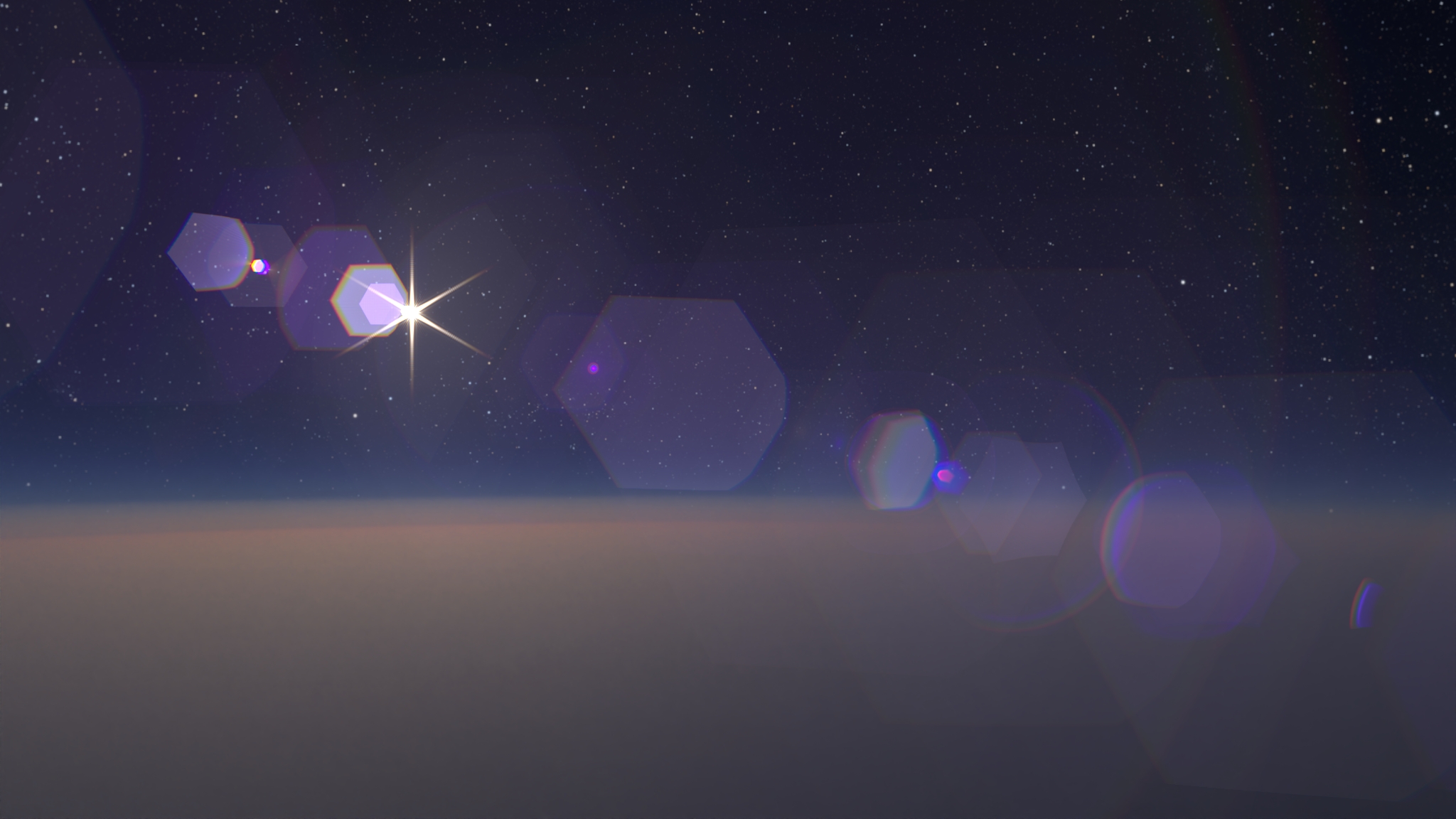
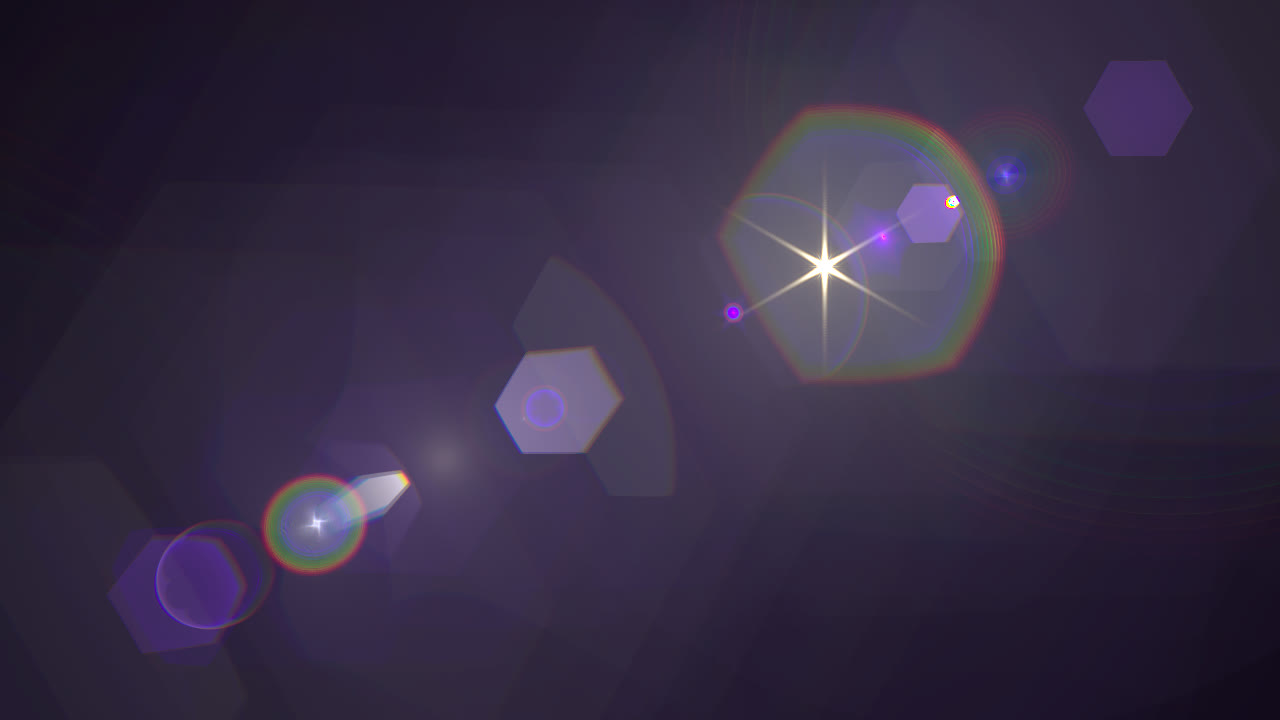
A chain of hexagonal ghosts strung along a line through the sun, with its starburst and veiling glare.
Zenith ships as a single Copernicus node, Zenith Lens Flare.
source. The flare takes its resolution from it, and with Image Lights on, its lights come from the plate’s bright regions. With no plate, connect a black Constant of the size you want and use the Manual Light.The output is the flare alone, in linear light, on black. It isn’t composited over the plate, so you can grade it separately and add it back.
| Input | What it does |
|---|---|
source |
The plate (RGBA). Sets the output resolution, and its bright regions become lights. Required. |
aperture |
Optional mono image of the iris (0 = opaque, 1 = clear). Use it for dust, scratches and custom iris shapes. |
camera |
Optional camera from a Camera or Camera Import COP, used to project scene lights into the frame. |
mask |
Optional occluder matte for the manual light (1 = blocks it), such as the alpha of a foreground render. |
With Image Lights on, every region of touching pixels brighter than Light Threshold becomes a light at the region’s centre, with its colour. Each light is calibrated so that its image through the lens carries the same energy as the region’s pixels. On an HDR plate, the flare’s brightness matches the scene without adjustment.
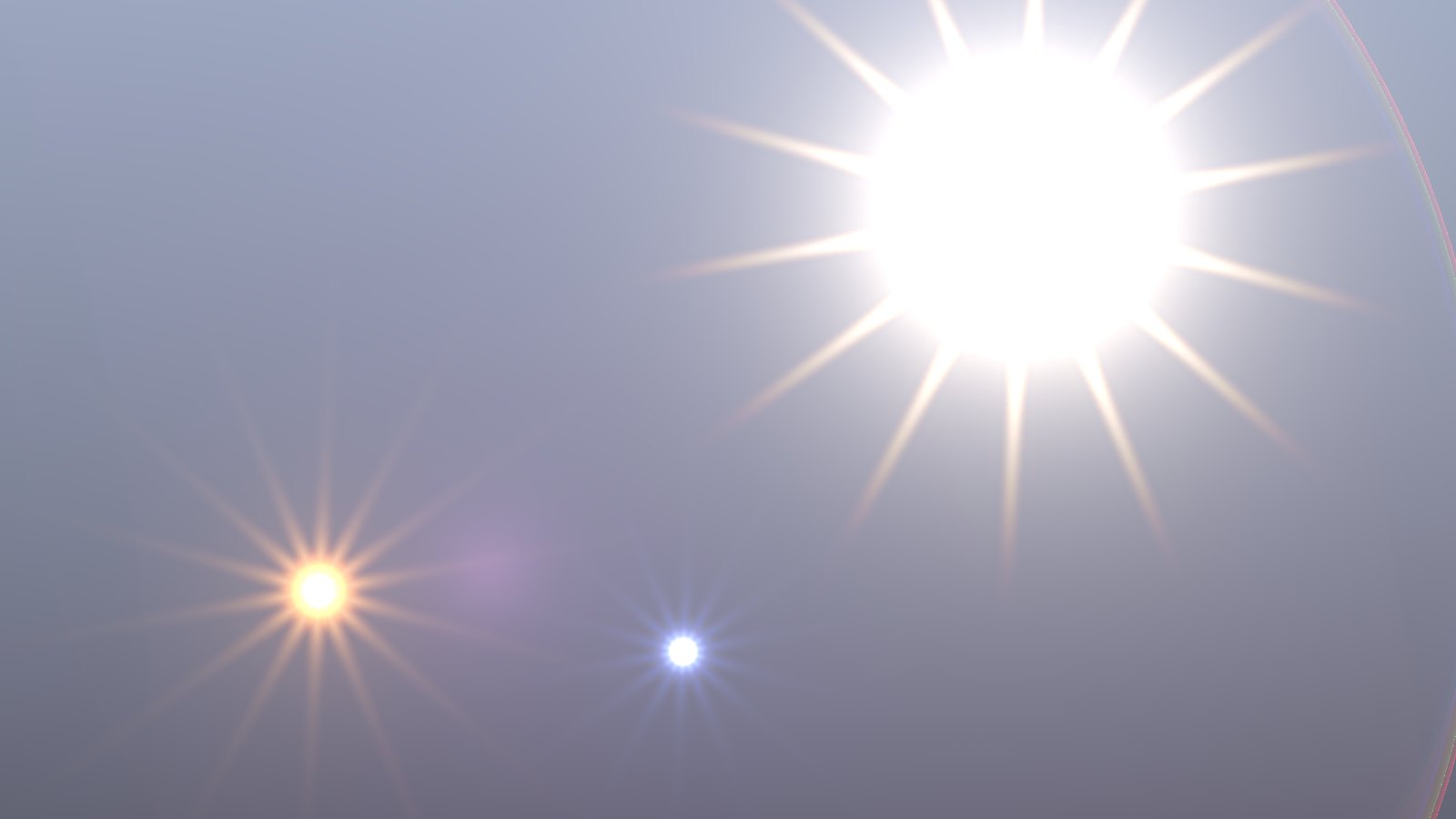
Three image lights from an HDR plate: the sun, an orange lamp and a blue light.
Image lights only see the pixels in the frame, so a sun’s flare stops the moment it leaves the frame. The Manual Light can follow it instead, on screen and off, as the camera moves.
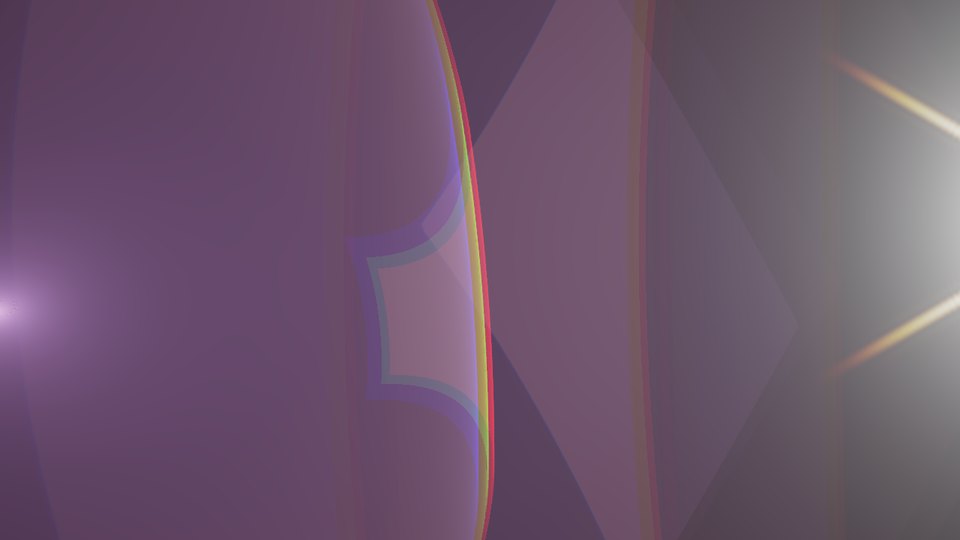
A light just outside the frame. Its starburst and glare reach in from the edge, and its ghosts still cross the frame.
camera input empty: Slap Comp Import’s Import Cameras with Slap Comp Inputs (on by default) puts the render camera, viewport camera included, on the image itself, and Zenith uses it. For a plate without a camera, connect a Camera Import COP pointing at your render camera to the camera input.Connect a foreground matte to the mask input, or turn on Occlude by Source Alpha, and the manual light dims by the fraction of its disc that’s covered. Light Size sets that disc’s angular size (the sun is 0.53°), so the flare fades smoothly as the sun slips behind a building or a planet instead of popping off.
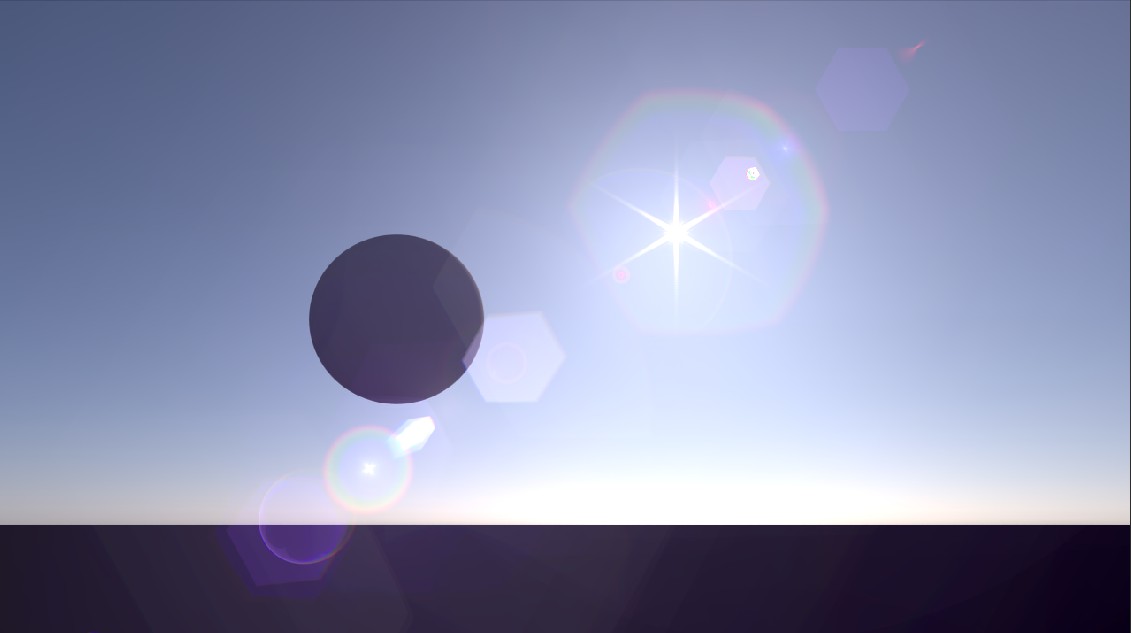
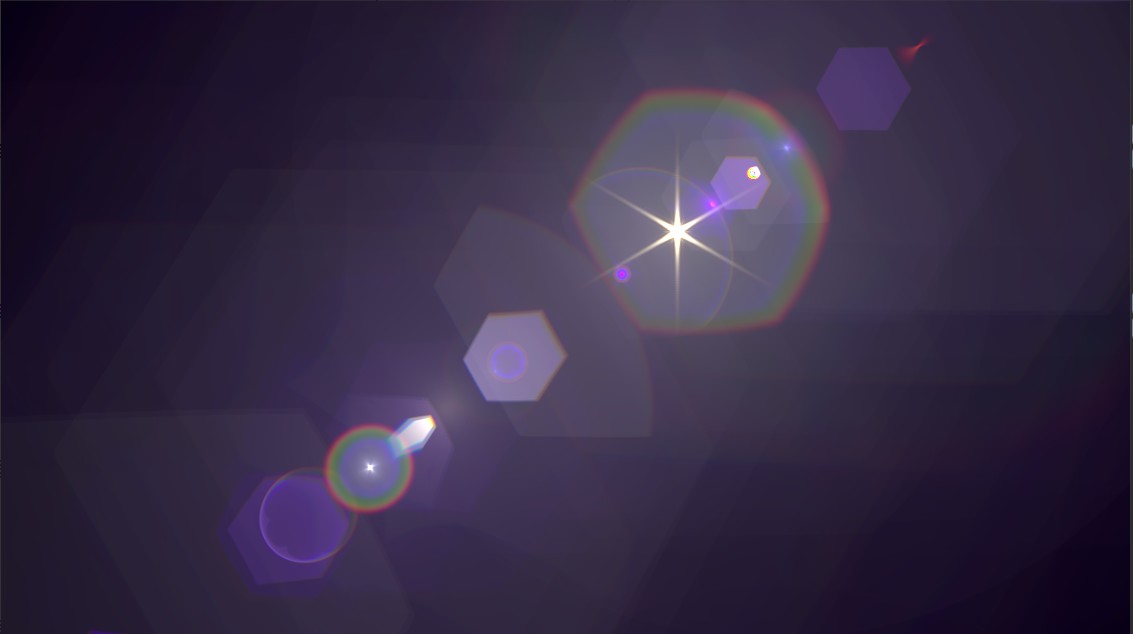 Left: the flare added to the plate. Right: the flare pass on its own.
The lens decides almost everything about a flare: how many ghosts there are, their size and spacing, and their colours. Zenith includes five lenses, synthetic designs built to be representative of their type. Lenses with more surfaces produce more ghosts and render slower.


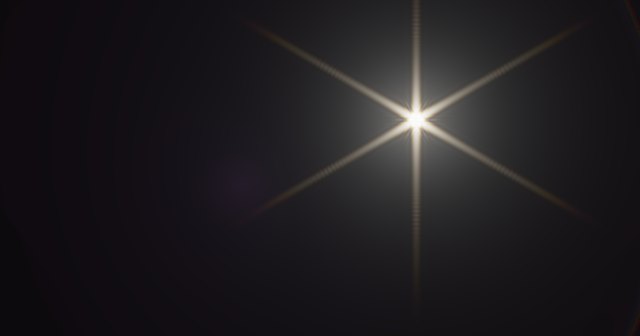 Long Telephoto 300mm f/5.6 (the default), Retrofocus Wide 28mm f/2.8, Triplet 50mm f/3.3
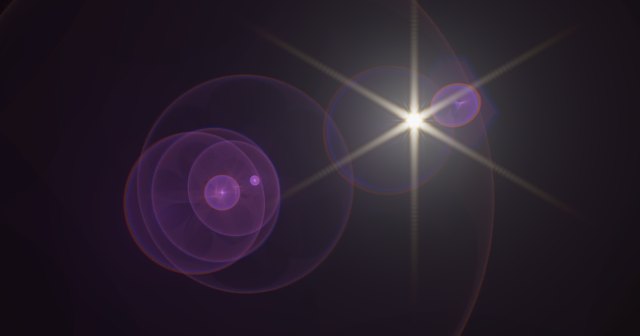
 Double Gauss 50mm f/2, Telephoto 135mm f/2.8
Set Lens to From File and point Lens File at a Zemax/OpticStudio .zmx file; it’s converted when loaded. Many published lens designs are available in this format. Zenith currently reads spherical surfaces only (files with aspheric or conic surfaces or mirrors are refused with an error naming the surface), in millimetres with the object at infinity. For zoom lenses, Zemax Configuration picks the zoom position.
You can also write Zenith’s own .lens format by hand: a plain text file with one surface per line, front element first.
# The built-in Triplet 50mm f/3.3
# radius  thickness  n_d      V_d    semi_ap  flags
  22.01     3.26     1.62041  60.32  10.0     coat=550   # N-SK16
-435.76     6.01     1.0       0.0   10.0     coat=550
 -22.21     1.00     1.62004  36.37   8.0     coat=550   # F2
  20.29     2.50     1.0       0.0    8.0     coat=550
   0.0      2.25     1.0       0.0    6.0     stop
  79.68     2.95     1.62041  60.32   8.0     coat=550   # N-SK16
 -18.40    42.44     1.0       0.0    8.0     coat=550
Aperture Blades sets the iris shape, which shapes both the ghosts and the starburst spikes. Connect an image to the aperture input instead and it replaces the blades entirely, for dust, scratches or any iris shape you like. The starburst is computed from the iris itself, so whatever is in the aperture image shows up in the diffraction too.

A heart-shaped aperture image: the ghosts take the shape of the iris.
An iris with an odd number of blades really produces twice as many spikes as blades. Turn on Physical Starburst Spikes (in Advanced) to render that.
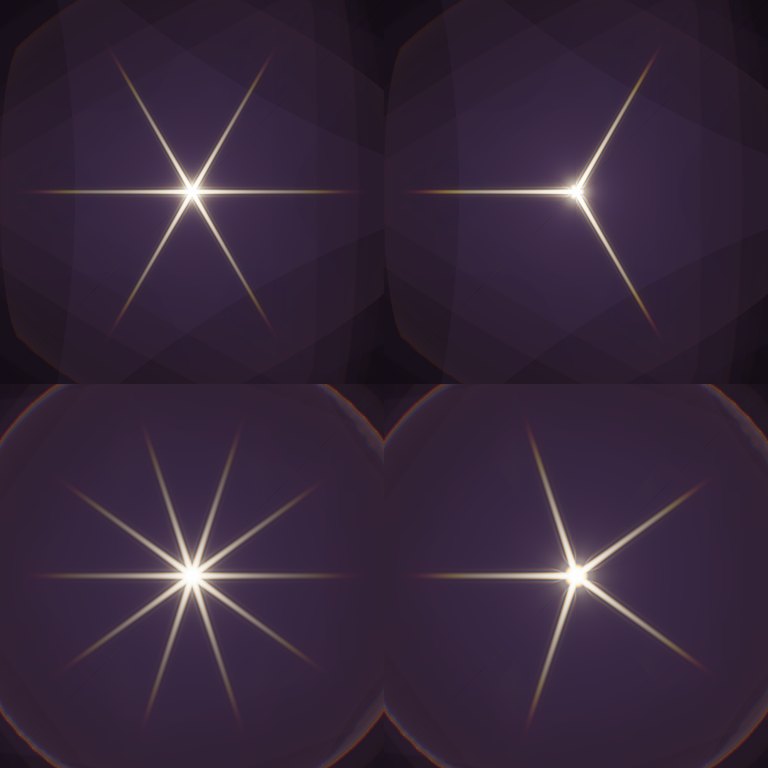
Top row 3 blades, bottom row 5. Left: Physical Starburst Spikes on. Right: off, one spike per blade.
By default Zenith traces three wavelengths, one each for red, green and blue. Turn on Spectral and it traces many wavelengths between 380 and 730 nm and combines them as a camera would, giving smooth rainbow fringes and accurate coating colours. 16–32 Wavelengths with Interpolate Wavelengths on usually look the same as 256 without it.
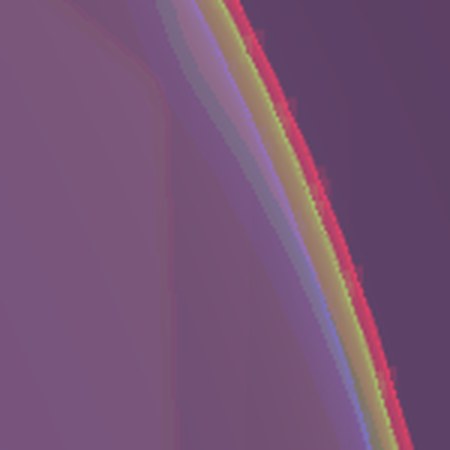
 Left: Spectral off, a caustic splits into separate red, green and blue lines. Right: Spectral on, 16 wavelengths.
camera input; the slap comp image already carries the exact camera.Zenith is a Houdini package. Unpack the release into your Houdini packages folder so that zenith.json and the zenith-<version> folder sit side by side:
%USERPROFILE%\Documents\houdini22.0\packagestar -xzf zenith-v*-linux-x86_64.tar.gz -C ~/houdini22.0/packagesRestart Houdini and look for Zenith → Zenith Lens Flare in the Copernicus Tab menu. The node’s Render Device line tells you whether it’s using your GPU. The full user guide, including studio installs and troubleshooting, is included in the download under docs/index.html.
| Non-Commercial | Commercial | |
|---|---|---|
| Price | Free | $29.99, one-time |
| Use | Personal projects, learning, teaching and non-profit academic research | Paid work, client projects and anything sold, advertised or monetised |
| Resolution | Up to 1920×1080 (or 1080×1920) | Unlimited |
| Seats | 1 seat, perpetual, unlimited render nodes (hython, Husk, farm) for your own jobs |
Both editions render the same image. Zenith is in beta (version 0.1.x); feedback and bug reports are very welcome.
Based on the method of Hullin et al., Physically-Based Real-Time Lens Flare Rendering (SIGGRAPH 2011).
Building a physically based atmospheric renderer without precomputation
Learn how to install, build and use VPT
Introducing the Bubbleᴴ, A wrapper for siggraph paper "Double Bubble Sans Toil and Trouble"